
Save your routines and log every set with last time’s weight and reps beside it.
- No sign‑upopens in your phone’s browser
- Offlineonce on your Home Screen
- On deviceyour log isn’t sent anywhere
Preview
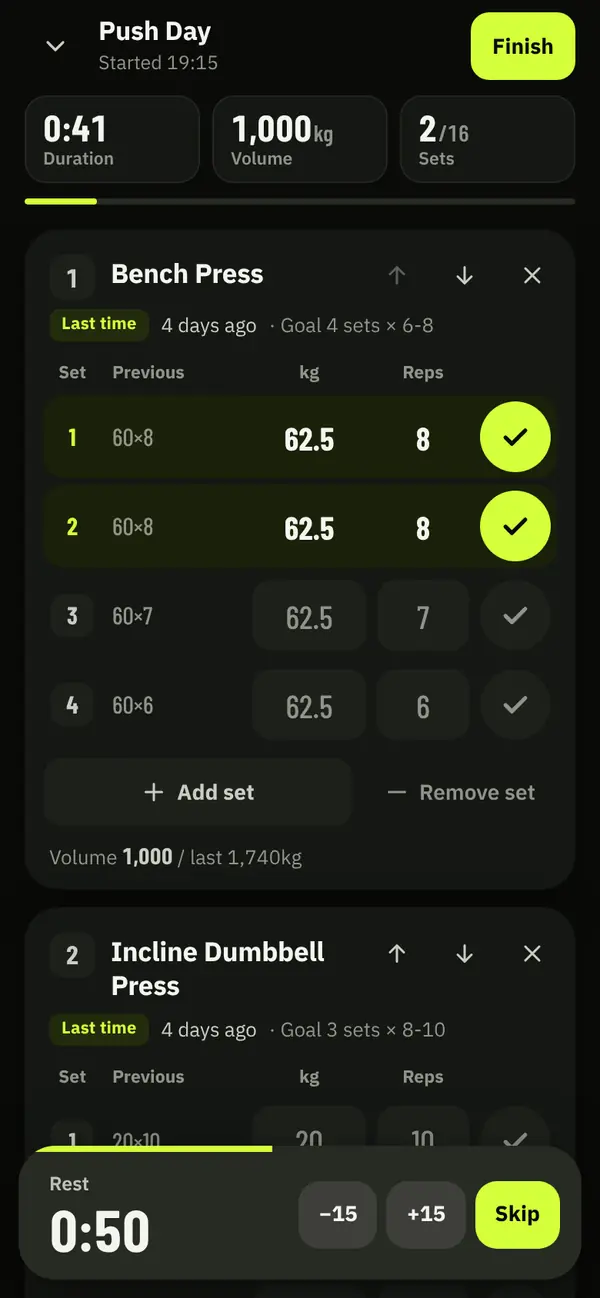
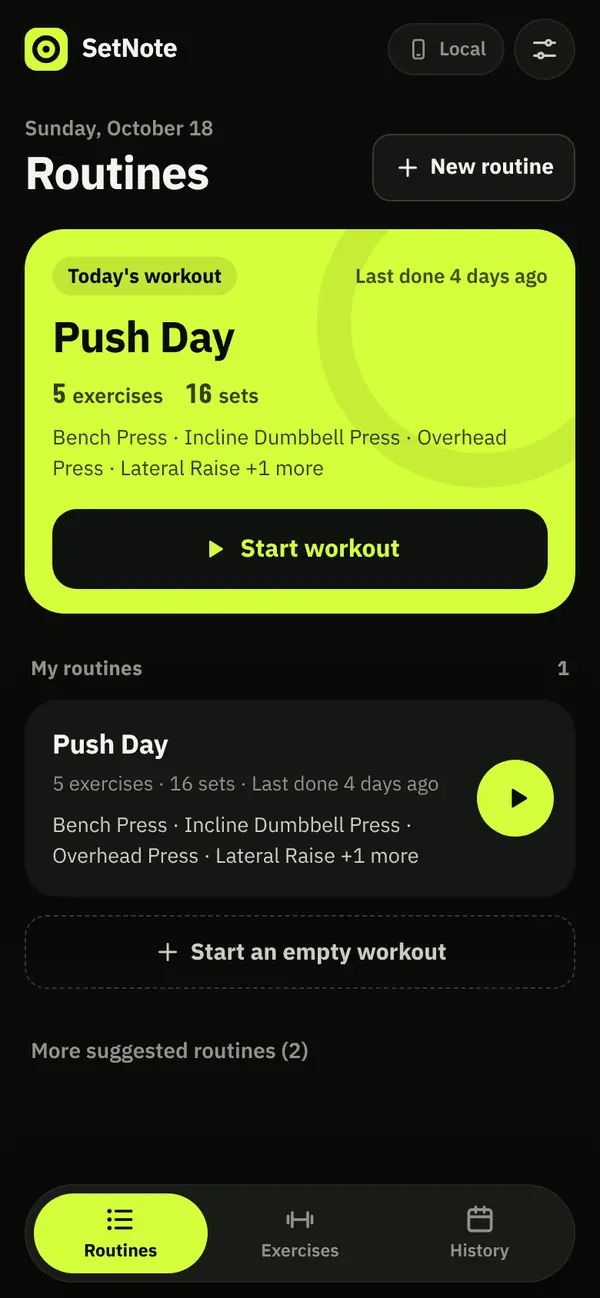
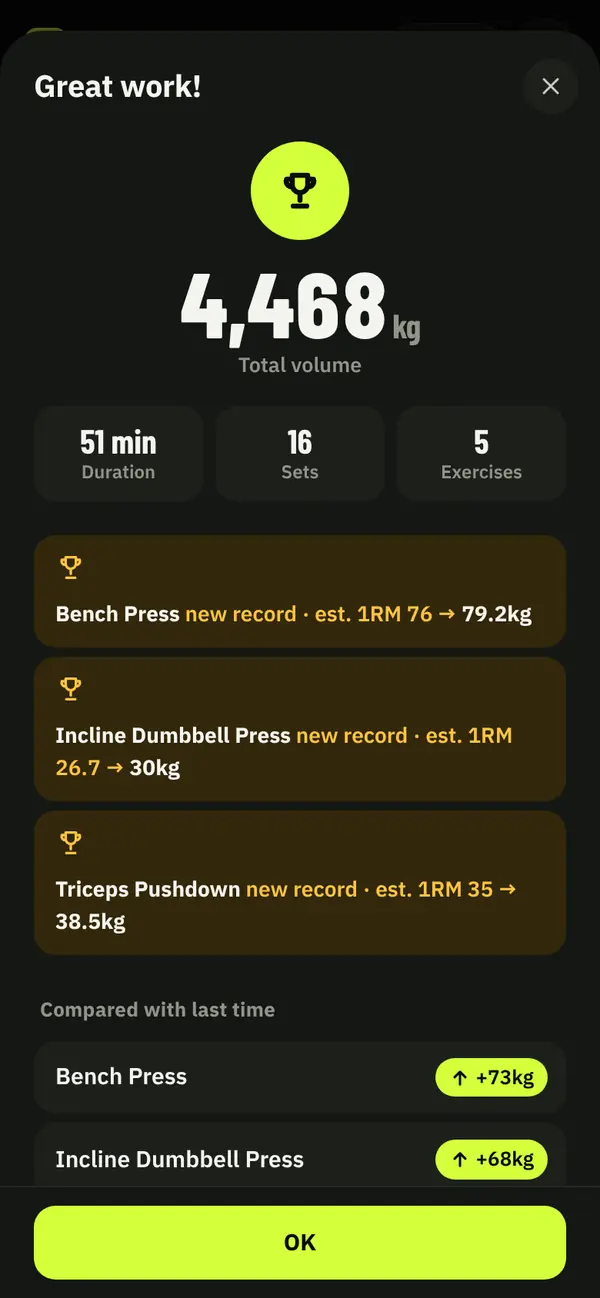
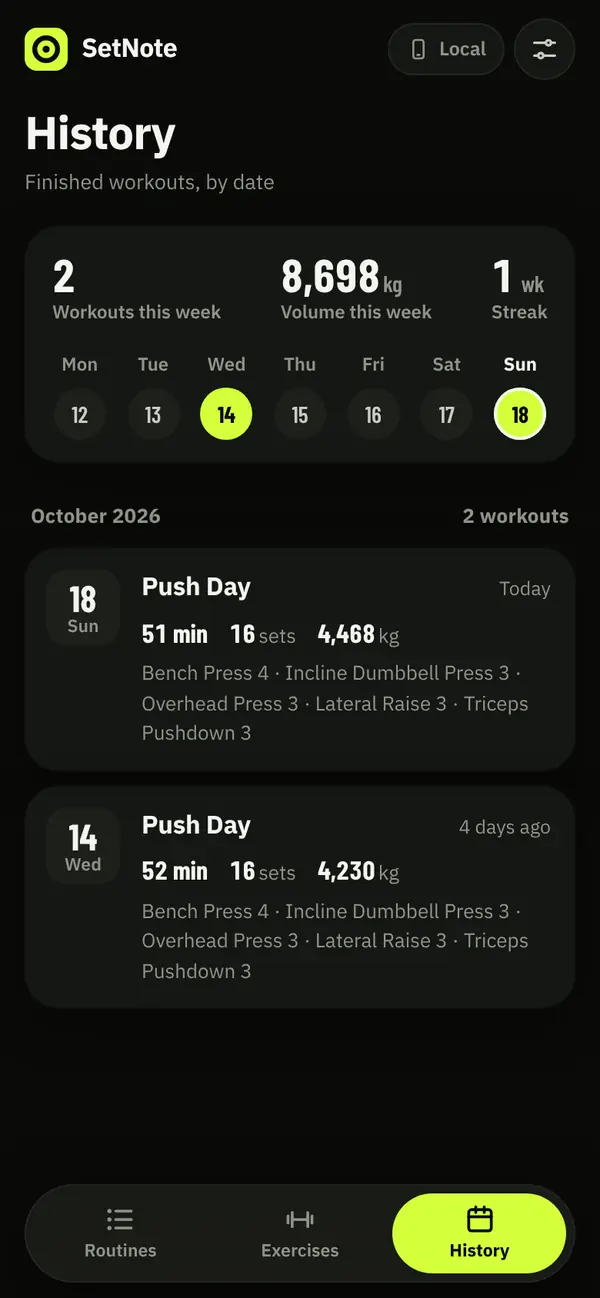
Real app screens, taken after logging two sample workouts.
Repeating last time takes one tap per set
- Pick a suggested routineOn first open, press ‘Start now’ on ‘Push Day’, ‘Pull Day’ or ‘Leg Day’ and a workout opens with that routine.
- Log a setType the weight (kg only) and reps in the ‘kg’ and ‘Reps’ boxes, then tap the check on the right to log the set; an empty box takes the faded value shown in it.
- Time your restChecking a set starts the ‘Rest’ timer at 90 seconds; ‘−15’ and ‘+15’ change it by 15 seconds and ‘Skip’ ends it. On silent, the end sound may not play.
- Save and finishTap ‘Finish’ at the top, then ‘Finish’ again in the sheet to save; you get ‘Total volume’ and ‘Compared with last time’, and next time today's sets show under ‘Previous’.
Learn more
What we disclose
Your log is saved on this device only and never sent to a server. The screens above are the real app after logging two sample workouts.
Estimated 1RM is weight × (1 + reps/30)
Rules and sources
- When records can be lost
- Settings show ‘Saving in this browser only’ under ‘Where records are saved’. Clearing browser data deletes your records, and for the Home Screen app, deleting the app deletes them.SetNote app › Settings › ‘Where records are saved’
- Backup file
- ‘Export backup’ saves your routines and all records as one JSON file. With ‘Import backup’, anything already there with the same ID is replaced by the backup.SetNote app › Settings › ‘Backup’
- Estimated 1RM
- This is the Epley formula. A single rep counts as the weight itself.SetNote app › an exercise’s history screen
- New records
- When an exercise's best estimated 1RM today beats your previous best, the summary marks it as a new record. Bodyweight and first-time exercises are left out.SetNote app › the summary after a workout
- Volume
- Weight × reps, added up over the sets you checked. Unchecked sets are not saved.SetNote app › ‘Total volume’ after a workout
- Ads
- SetNote has no ads.Lumen Lab Privacy Policy
Added a privacy policy for SetNote, and the app logo now opens the intro page
A privacy policy covering SetNote went up at lumenlab.page/en/privacy/.
In a browser tab, the logo at the top left of the app now opens the intro page.
The intro page now ends with a ‘Next set’ row that leads to Lumen Lab's other apps and tools.
SetNote moved to setnote.lumenlab.page, and the old lumenlab.page/setnote/ address forwards to the app.